01
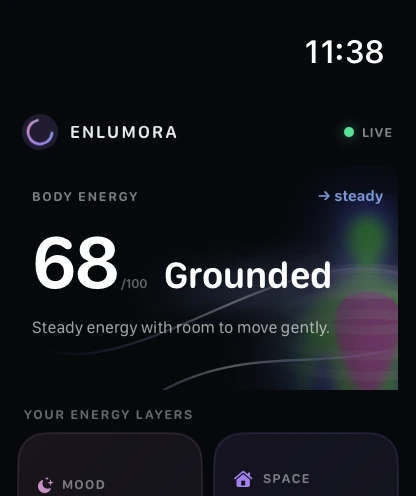
Body Energy
See recovery, movement, sleep, and breath as one readable state.
 Enlumora
Try the beta →
Enlumora
Try the beta →
Personal energy intelligence
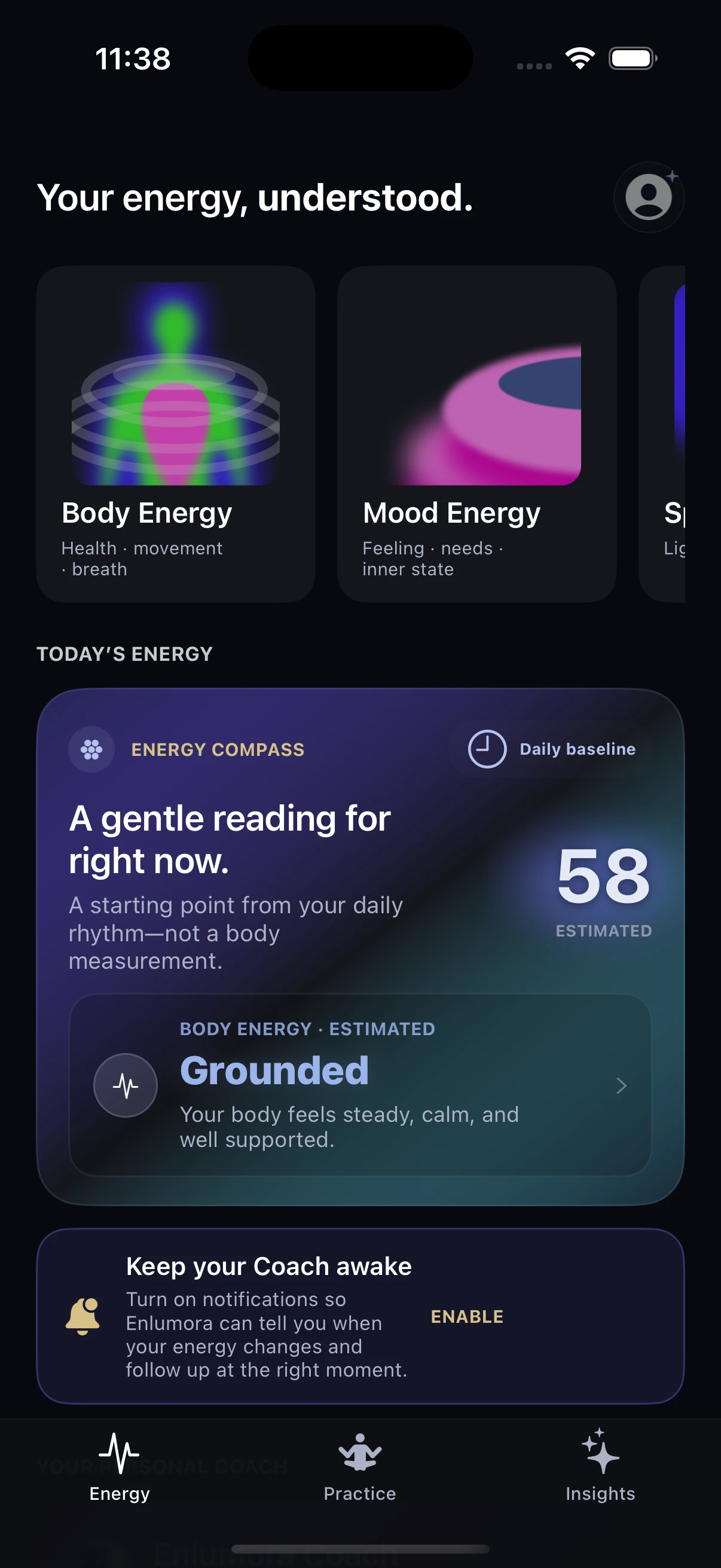
Understand your everyday energy. Connect your body’s signals with how you feel—and find your next small step with an AI Coach and guided Qi practice.
Made for iPhone + Apple Watch · Connected through Apple Health
App previews shown with illustrative data.
Notice, not judge.
Practice, not optimize.
Rhythm, not streak.
A whole-person signal
Enlumora combines available health data, your own check-ins, and the character of your environment. With or without a wearable, it offers a grounded starting point—not a verdict.
See recovery, movement, sleep, and breath as one readable state.
Explore a body-informed mood estimate, then adjust it to match how you actually feel.
Scan your space for practical ideas around light, layout, and comfort. Explore what your surroundings may offer.
The intelligence behind the experience
Energy is not something a single sensor can measure. Enlumora’s intelligence system connects available information to help you reflect and choose—not to tell you how you must feel.
Available health readings, their freshness, and the feelings or space context you choose to share.
Body and mood estimates offer a starting point. Your check-in adds your own perspective.
Talk with Coach, try Qi practice, rest, or make a small adjustment to your surroundings.
Look back at your patterns and tell Coach what worked. Personalization starts with your feedback.
Body signals do not directly measure emotions. Estimates can differ from how you feel. Notifications require permission, and delivery depends on available data and system background scheduling—not continuous monitoring.
Connected signals
Available sleep, HRV, heart rate, and movement data help put your day in context. See where readings come from and when they were recorded. Your own feedback adds what a sensor cannot know.
Heart rate, resting heart rate, and HRV against your recent rhythm.
Sleep duration and timing help distinguish depletion from a temporary dip.
Steps, distance, and active energy add context without rewarding overexertion.
Source and timestamp tell the system how much weight to give each signal.
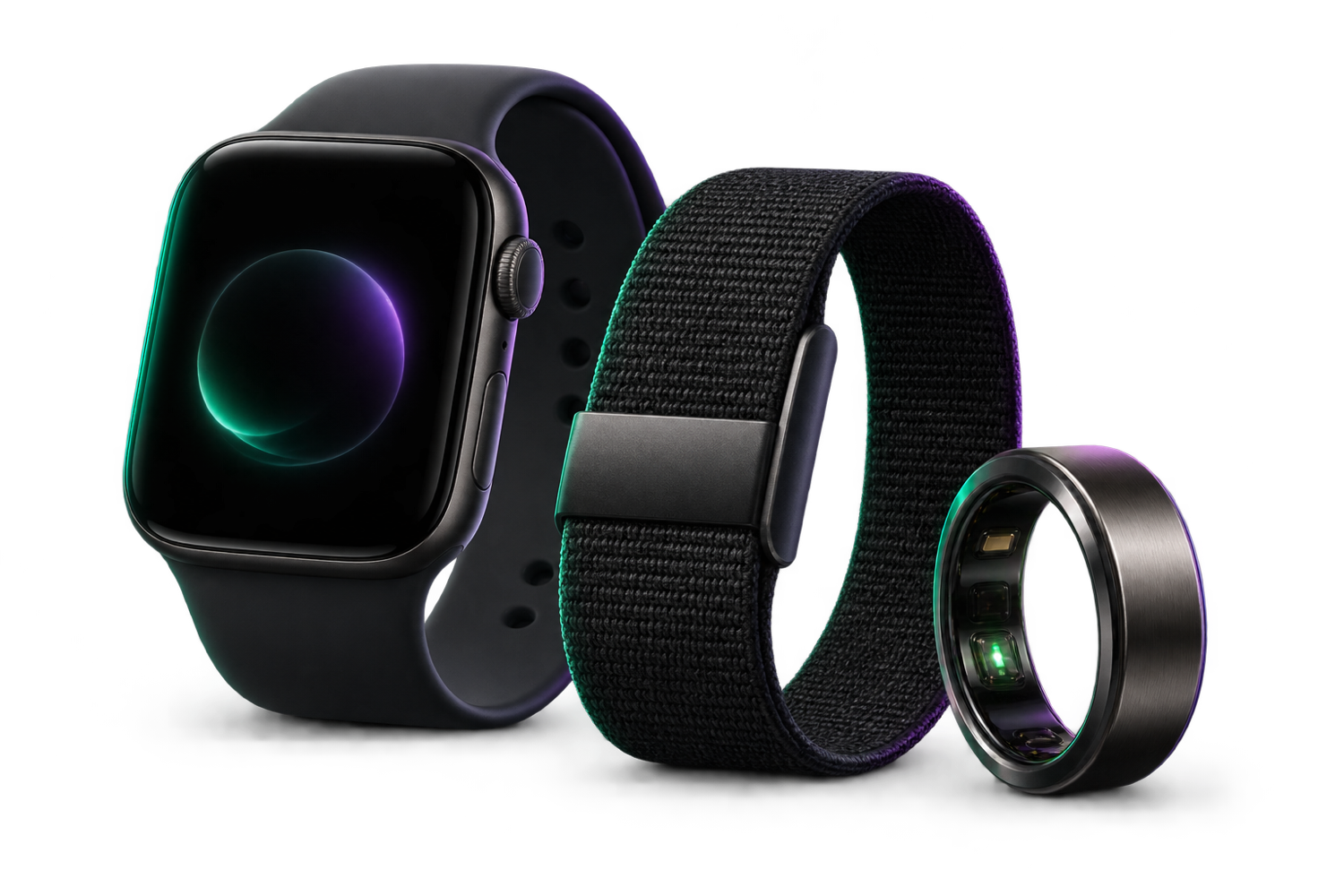
The primary companion experience, with fresh Apple Health samples and an energy glance on your wrist.
Apple Health connectedUse the sleep, recovery, and activity signals Oura makes available through Apple Health.
Sync permissions requiredBring standard recovery and activity signals into the same Enlumora energy context.
Sync permissions requiredSignal availability and update timing depend on device settings, permissions, and what each provider writes to Apple Health. Enlumora supports everyday wellness; it is not a medical monitor.
Guided Qi Flow
Qi Flow blends breath-led energy work with the graceful, grounded movement of Tai Chi—simple enough to begin and spacious enough to feel like your own.
The Enlumora rhythm
Start with the data you have—or simply tell Enlumora how you feel.
See what may be supporting, draining, or asking for attention.
Choose a focused Qi Flow session, reset your space, or check in again later.
Enlumora Coach
Check in, plan today, or ask anything. Your Coach brings available body signals and what you share into a conversation—with a manageable next step, not another list of things to do.
Fresh HRV and sleep signals
EnlumoranowYour latest HRV is below your recent baseline. How are you feeling this morning?
Make room to pause.
Your starting practice
Begin with the available guided practice and return at your own pace. More sessions are in production. A missed day is not a failure—what matters is finding what helps you.
Begin where you are
Enlumora helps you hear it—and respond with care.
Try the beta — no code needed → Designed for iPhone + Apple Watch · Connected through Apple Health